


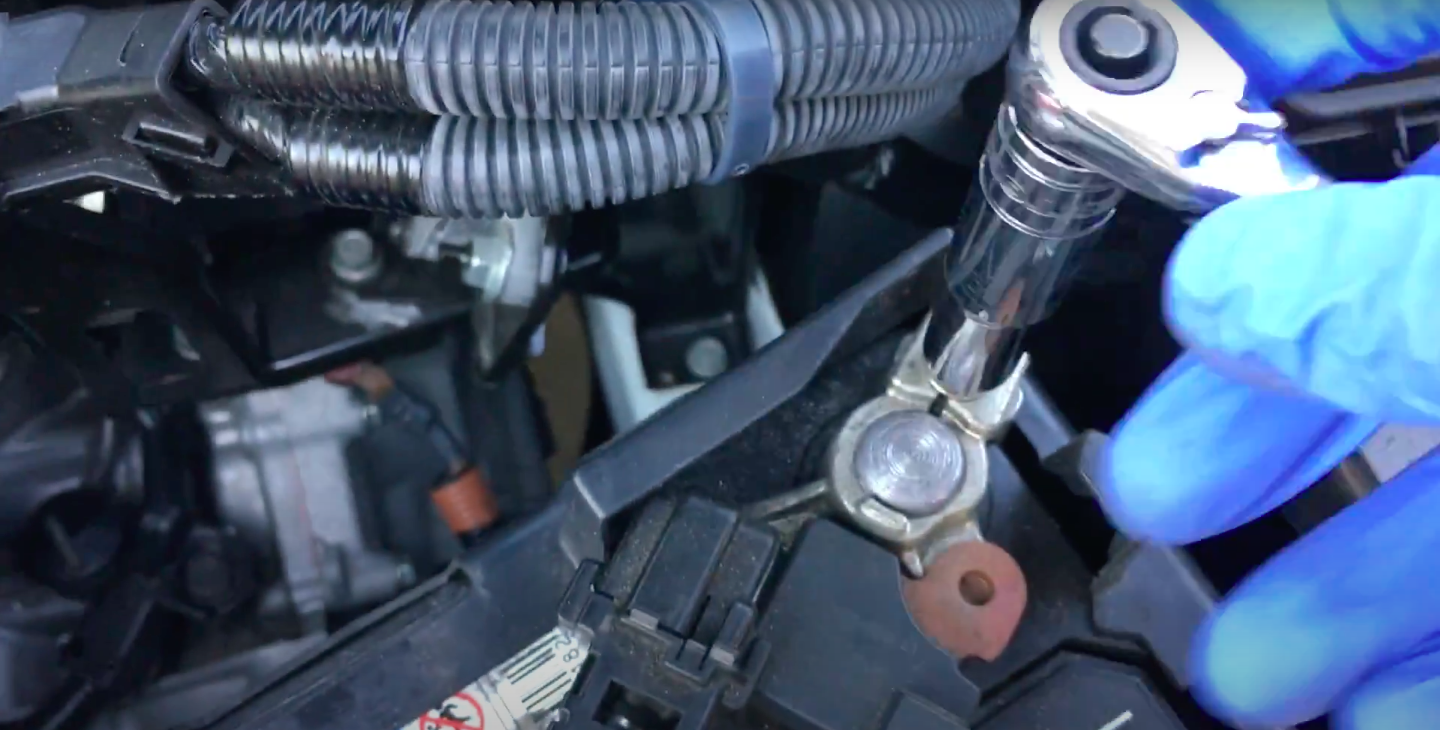
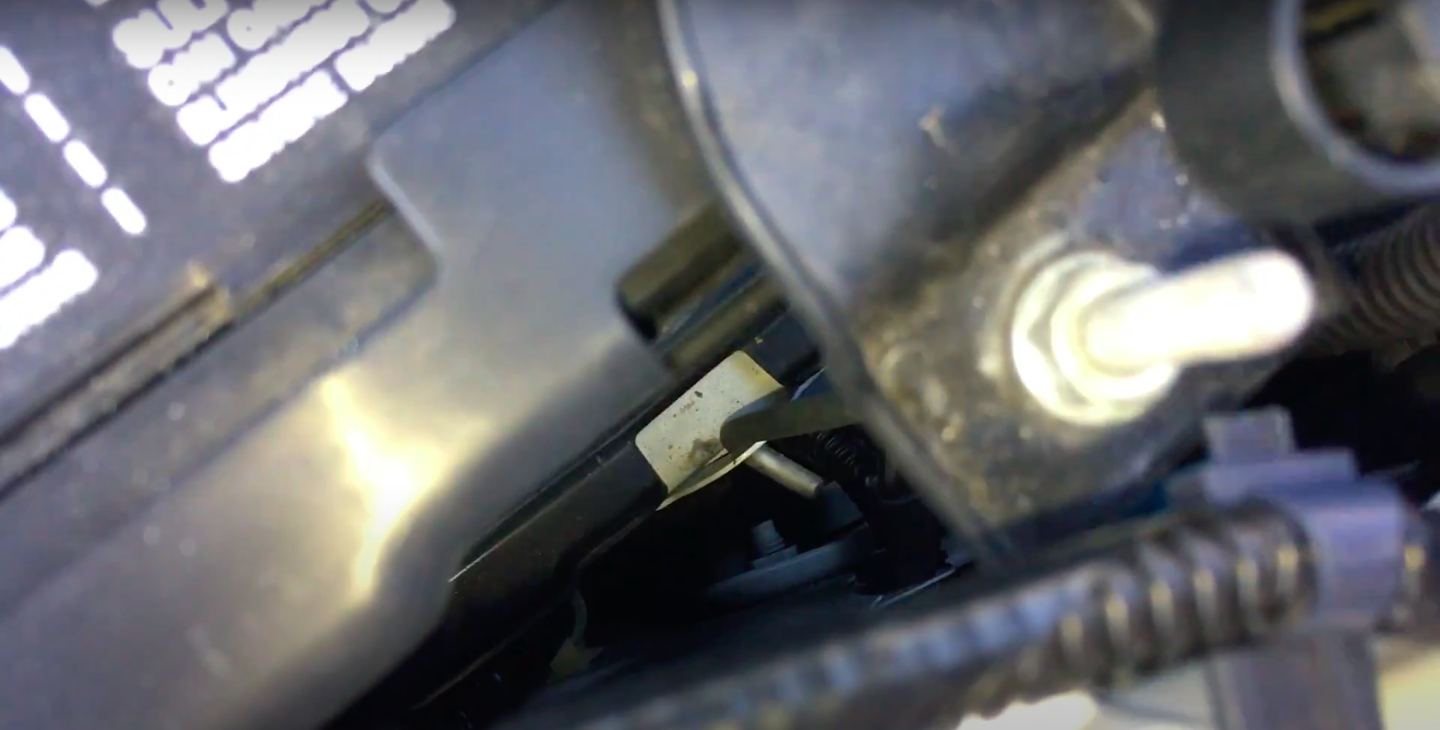
With many of us working from home lately, our cars are not driven as regularly as they should be. This is great for our pockets in terms of fuel spend but not so good for your vehicle's battery. It can discharge to a point where it is too flat to provide enough power to start your car and even worse, function properly once charged up again. This article focuses on the procedure of changing the battery on a Honda Jazz.
Related: How to top up screen wash on a Honda Jazz
Honda is regarded as being one of the most reliable vehicles on the road today, but issues may occur, like an old battery that is damaged or one that is flat due to extended periods where the car has not driven. If you would rather get another car, remember that you can sell your car on AutoTrader here and search for new or used models on AutoTrader here.
You will need the following
- A replacement battery: The Honda Jazz uses a 45Amp battery.
- You will also need a number 10 spanner or socket with the socket wrench.
- Two old rags.
- A well-lit work area.
Removing the battery
1. Before you remove the old/flat battery, leave one door open just in case the central locking triggers when you remove the battery. Turn off interior light and keep the key with you at all times.
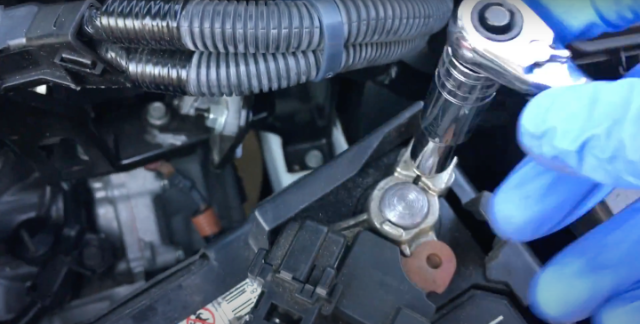
2. Disconnect Negative: Using the spanner or socket wrench, loosen the nut on the negative pole. The negative pole is indicated with black wiring and (-) symbol on the battery.
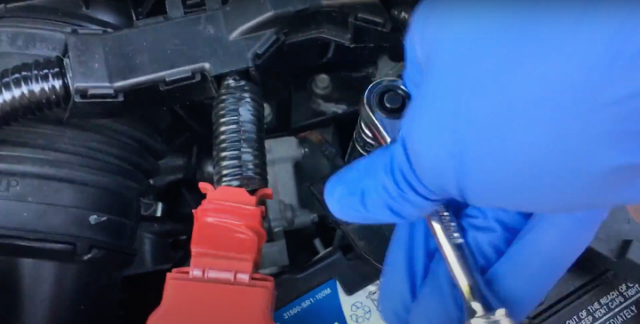
3. Using the same nr. 10 spanner or socket undue both of the top nuts on the battery clamp which stretches across the battery and keeps it in place. Once undone, you can remove it by unhooking the bottom parts of the rods connecting to the clamp.
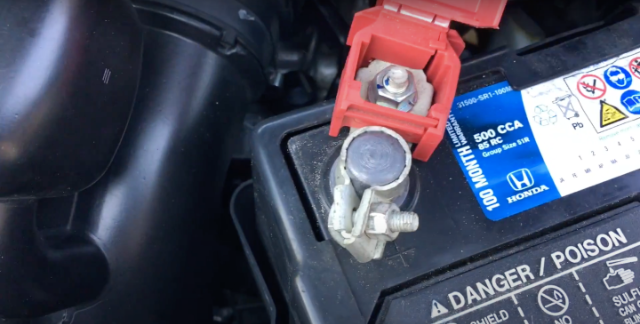
4. Disconnect Positive: Lift the red plastic flap and using the spanner or socket wrench, loosen the nut on the positive (+) pole. It is important that you undo negative first, otherwise, the battery could arc. It is also important that the two poles do not touch during the entire procedure.
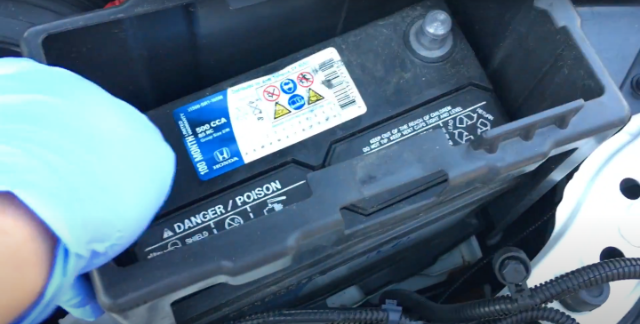
5. Remove the plastic housing around the battery in order for the battery to move freely.
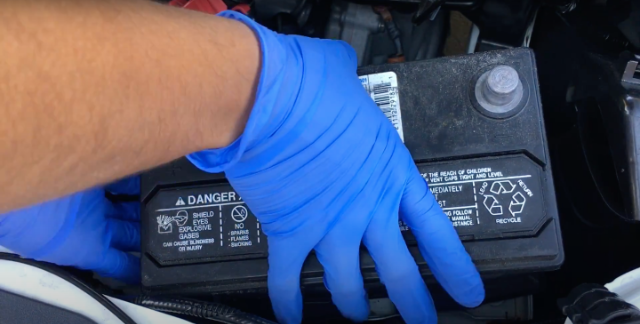
6. Remove the battery from the vehicle
Fitting the new battery
7. Clean the battery tray and pole clamps and fit the new battery.
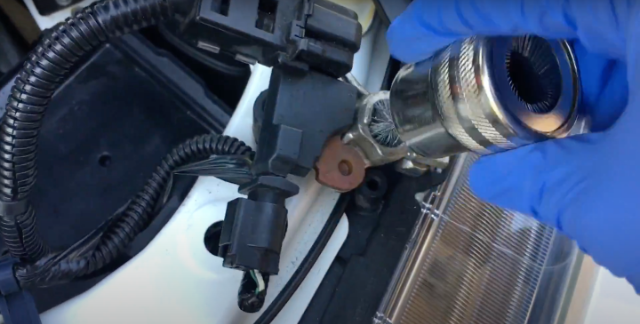
8. Now that the battery is fitted, proceed to secure the positive (+, red) pole back into place. Ensure the screw is tight but do not overtighten.
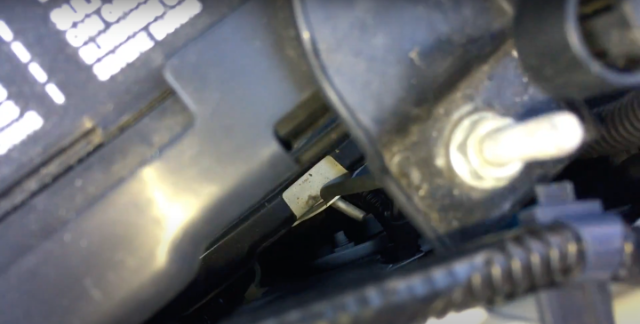
9. Refit the battery retaining clamp and tighten both nuts. Ensure that the connecting rods are correctly hooked into the battery tray.
10. Proceed to secure the negative (-, black) pole back into place and tighten the screw.
Related: AutoTrader's Engines & Body Types Glossary of Terms
Once you have refitted the battery and tightened the clamps and bolts correctly, start the car and let it idle for a few minutes. You might have to reset the clock as well as your saved radio stations, as those tend to reset themselves when the battery is removed. Your radio could possibly request a code to unlock; in this case, consult your owner's manual, as the code should be readily available.
If you are not driving your car as often as you should or can, then perhaps invest in a battery charger, which will help reduce the hassle of a flat car battery. Please note that the steps listed above might not be the same procedure followed by the manufacturer, and for the best result, you should consult with or take your vehicle to the nearest dealership.
Recommended next: