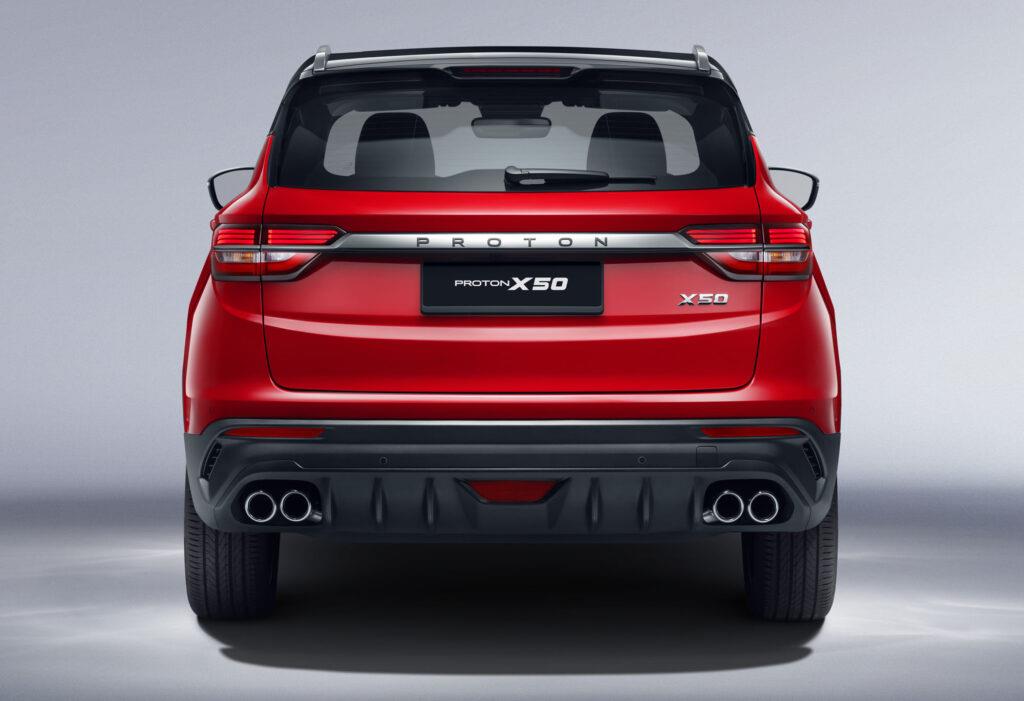

The X50 is the smaller of the two models in the Proton range, however, it still offers a lot of practicality and features that make it an excellent overall package. One such item is the 10.25-inch touchscreen infotainment system which allows you to control a host of features as well as enable customers to connect to their smart devices.
Now before you get an Instant Offer on your vehicle and start your search for new or used Proton X50 models on AutoTrader, here is how you connect your Android device to the infotainment system of the Proton X50.
Related: Proton X50 1.5T Premium (2022) Review

Connect your Android device
In most cases, one will only need to download the Android Auto application from the Play Store, set up the app and open it as you connect your phone to the vehicle that supports Android Auto, to use the functionality. Well, for the Proton X50, it is a similar affair, however, instead of downloading Android Auto, you will have to download an application called QDLink which can be found here.
Similarly to the Android Auto application, you will need to set up the app and agree to the terms and conditions of use. Once the application is set up, you can connect your phone to the infotainment system. Firstly, ensure that the vehicle is switched on and in a stationary position. Next, open the application and connect your Android device to the vehicle's USB-C port via a cable that can charge and transfer data.
At this point, switch your focus to the vehicle's infotainment screen and follow the prompts to connect to your device. Once all the prompts have been followed and agreed to, the user will now be able to access functionality from apps such as Google Maps.