
How to replace the car battery on a Hyundai Tucson N Line
The Hyundai Tucson has gained a reputation for being a reliable and mechanically sound vehicle, and even when you do need to work on it, it is easy to deal with. We look at the steps needed to replace the vehicle's battery in no time.



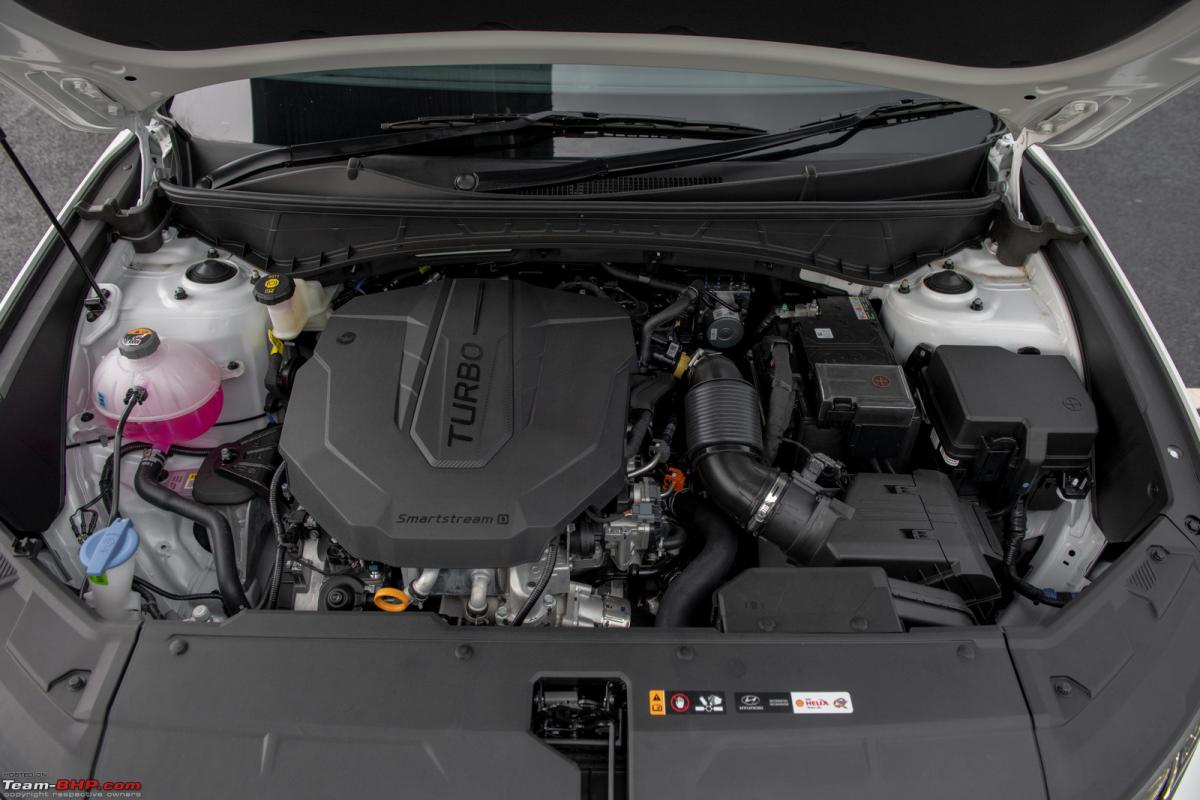
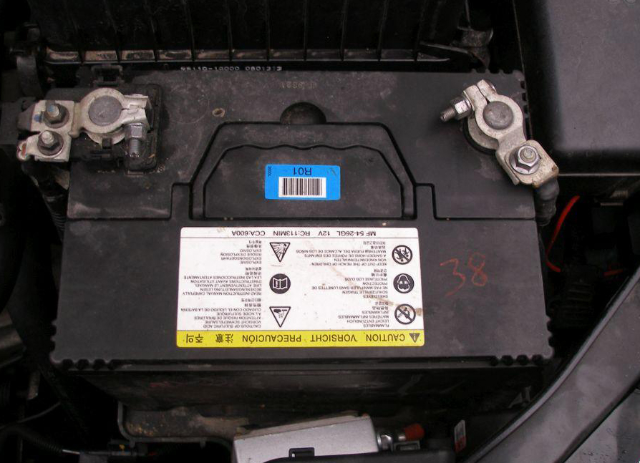
Easy battery replacement
Released over 16 years ago, this family-friendly compact SUV showed the local market that the brand was serious about reliability and durability. The Tucson has proven to be an easy vehicle to work on, priming it as a great DIY car to own. With a high level of reliability, you won't need to work on it often, but when you do, it is straightforward enough for even amateurs to get to grips with.
Related: Hyundai Tucson 2.0D AWD N Line (2023) review
When it comes to something like exchanging a dead battery, it couldn't be easier, but if needed, we have an easy guide to follow when tackling this simple task.

You will need:
- Replacement battery of correct amperage and frame size
- 12mm wrench or socket and driver
Check out AutotraderSA Car Subscription Service here
Let's get it done
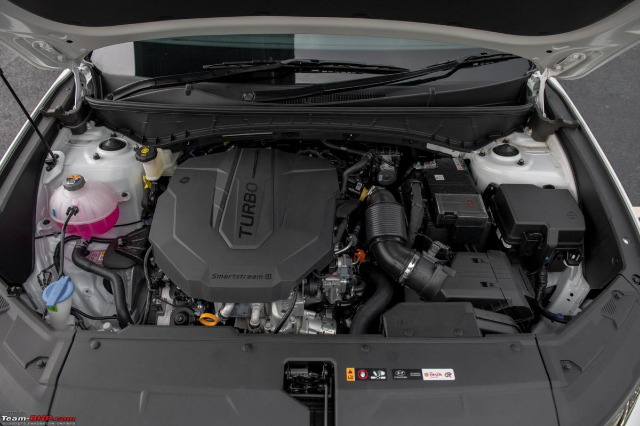
1. Open the bonnet
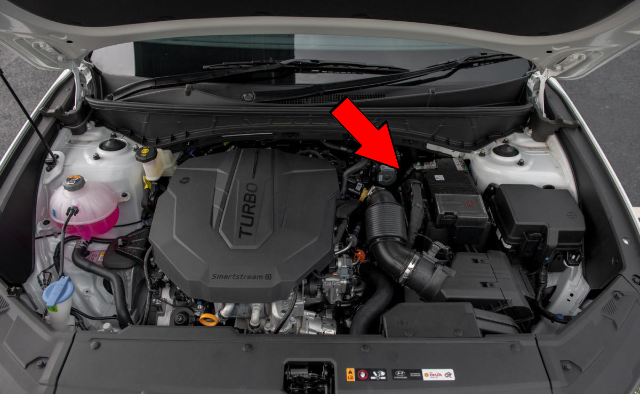
2. Locate the battery
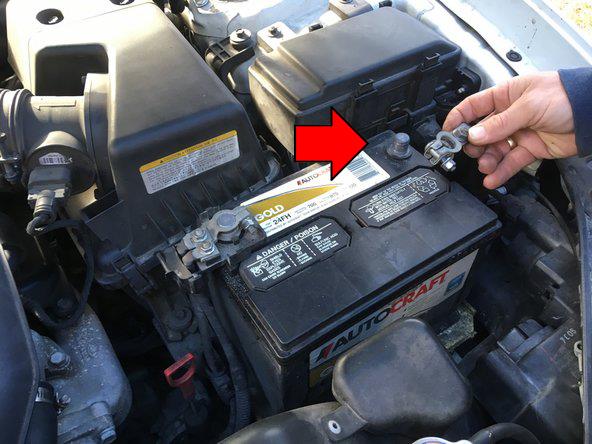
3. Use the 12mm wrench or socket to remove the negative terminal.
Does the Hyundai Tucson N Line come in automatic?
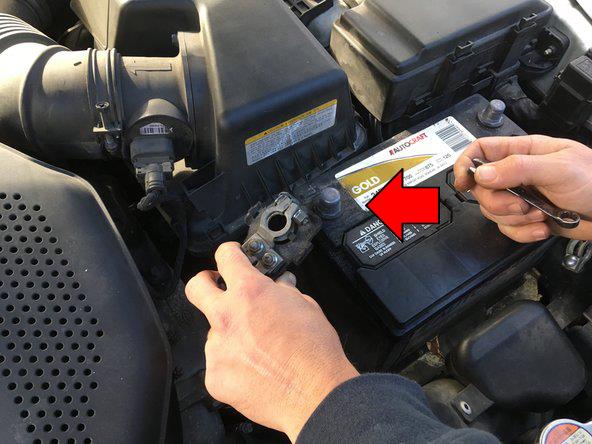
4. Use the 12mm wrench or socket to remove the positive terminal.

5. Use the 12mm to remove the retainer plate at the base of the battery.
Get a free valuation of your car here

6. Exchange the battery
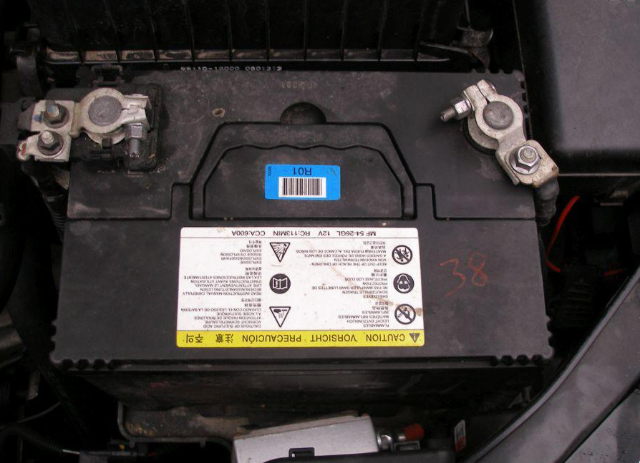
7. Assemble in reverse order
Top Tips
- If there's corrosion on the battery terminals, it helps to sand them down with medium grit sandpaper so there's proper contact between the terminal & battery node.
- You can spray some battery terminal protector spray to prevent corrosion on the battery terminals.


