Feature Fit
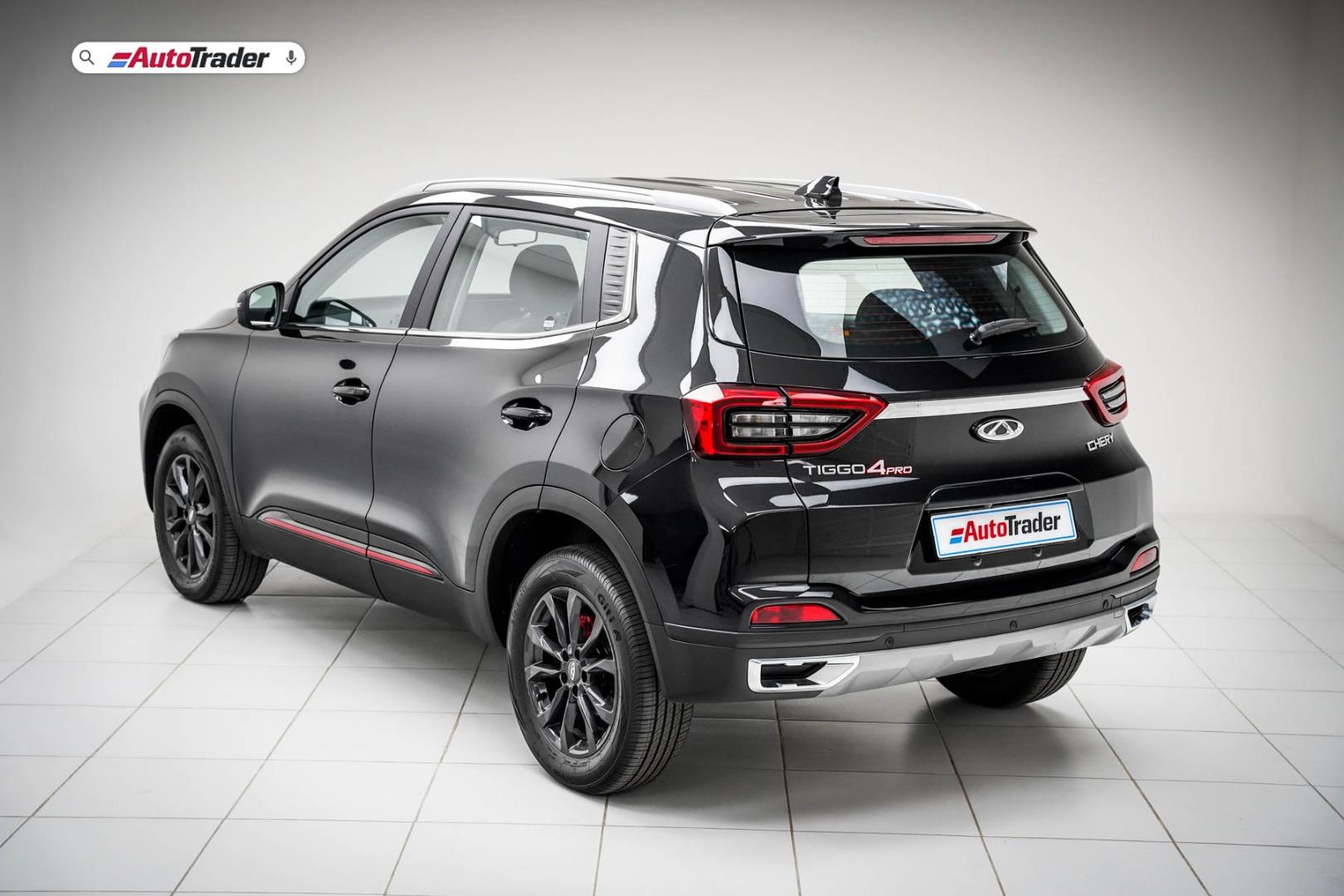
The Chery Tiggo 4 Pro has been smashing records locally since its launch in 2021. Averaging roughly 2000 cars a month since launch, the Tiggo 4 is a very appealing product for SA buyers. It represents incredible value for money, offering high levels of tech and features, comfort, and family-oriented driving.
Related: Top 3 things you need to know about the Chery Tiggo 4 DCT
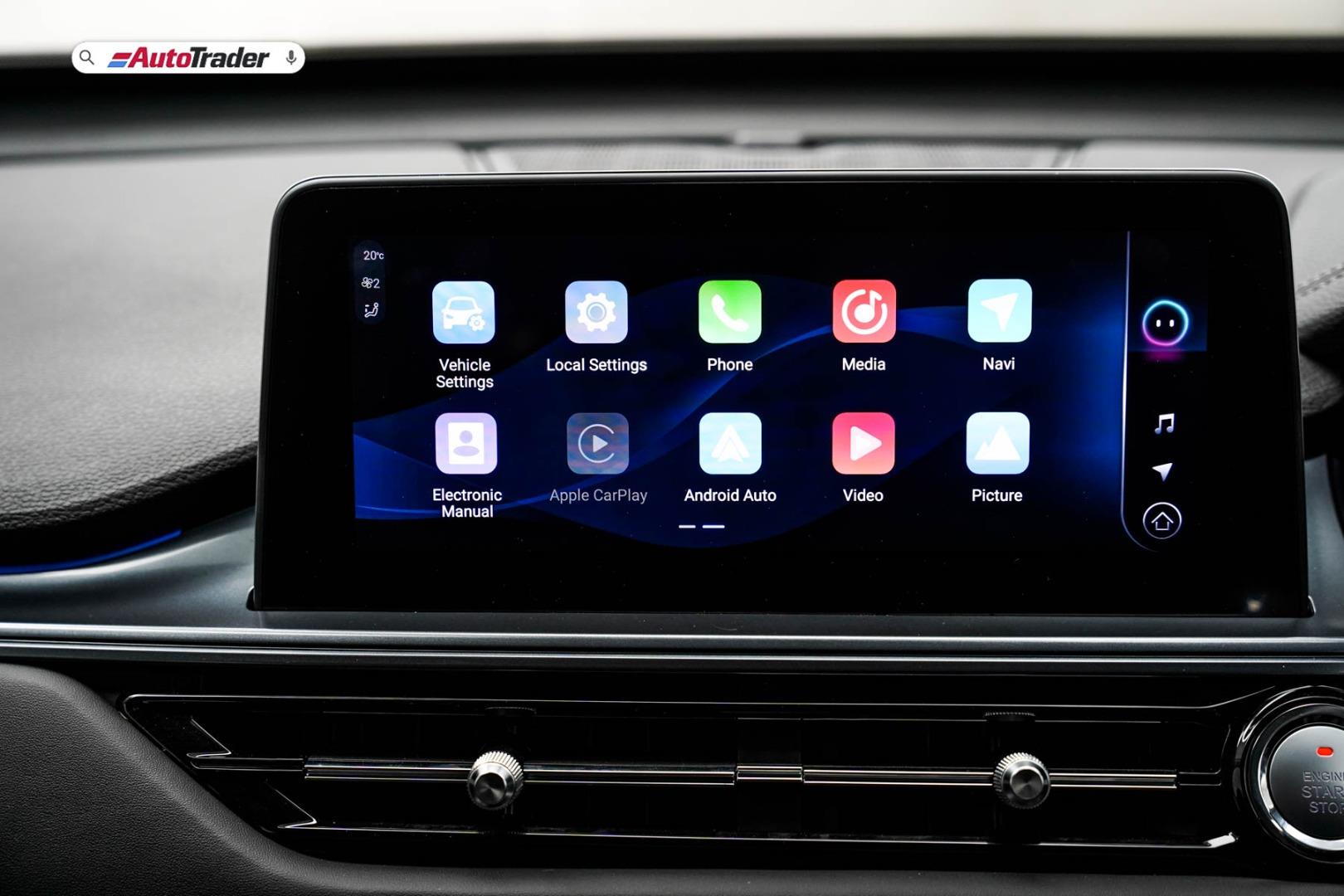
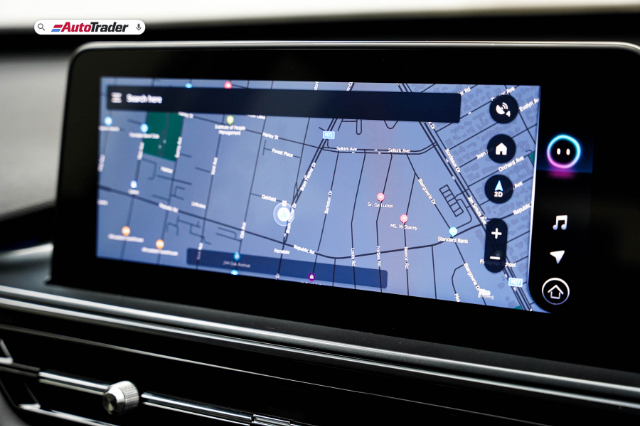
One thing that Chery has done well is their infotainment systems, refining each new derivatives screen and software, giving users a wider range of features and ease of use. The latest model in the DCT derivative has received a light update but offers so much for drivers. We take a look at a number of the key features that this system offers its drivers.
How is the Chery Tiggo 4 DCT performance?
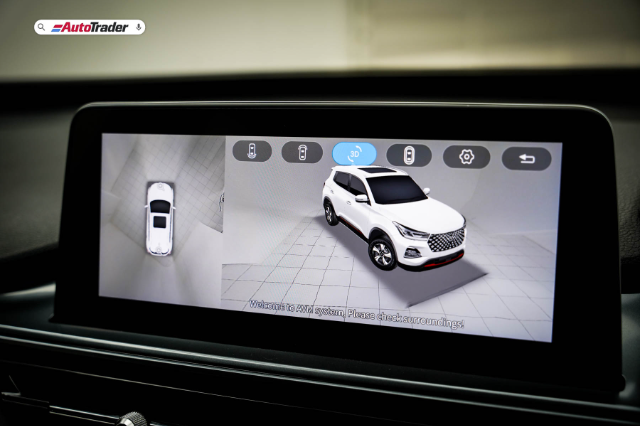
360-degree camera
The 360-degree AVM camera system's assistance comes in handy in tight spaces. It will even activate once you engage a turn signal, allowing you to see the turns you are taking. You can also click and drag the vehicle's image for an immersive view experience.
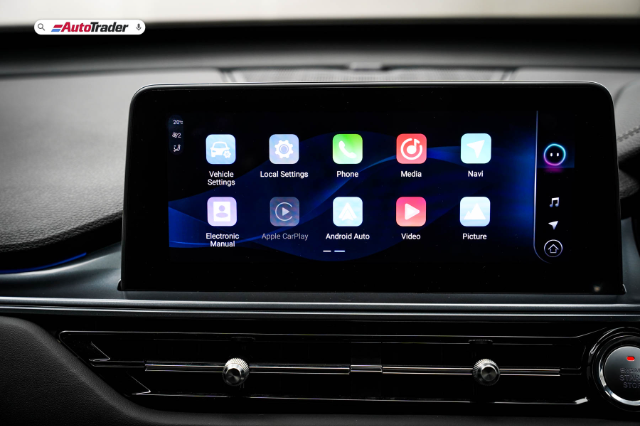
Apple Car Play and Android Auto
No infotainment system these days is complete without Android Auto and Apple Car Play, and the Tiggo 4 Pro is no exception. Either wireless or tethered connection will quickly connect your smartphone.
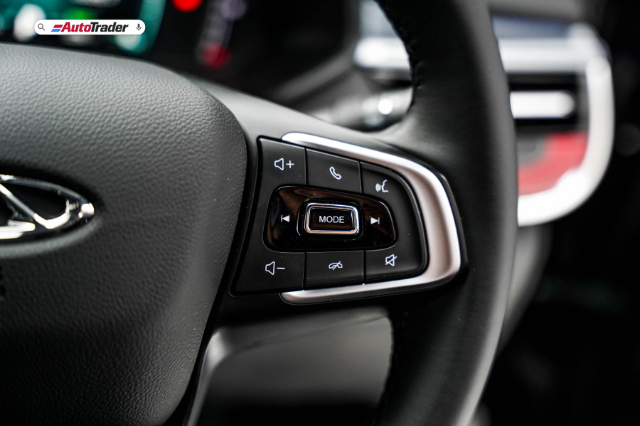
Voice command
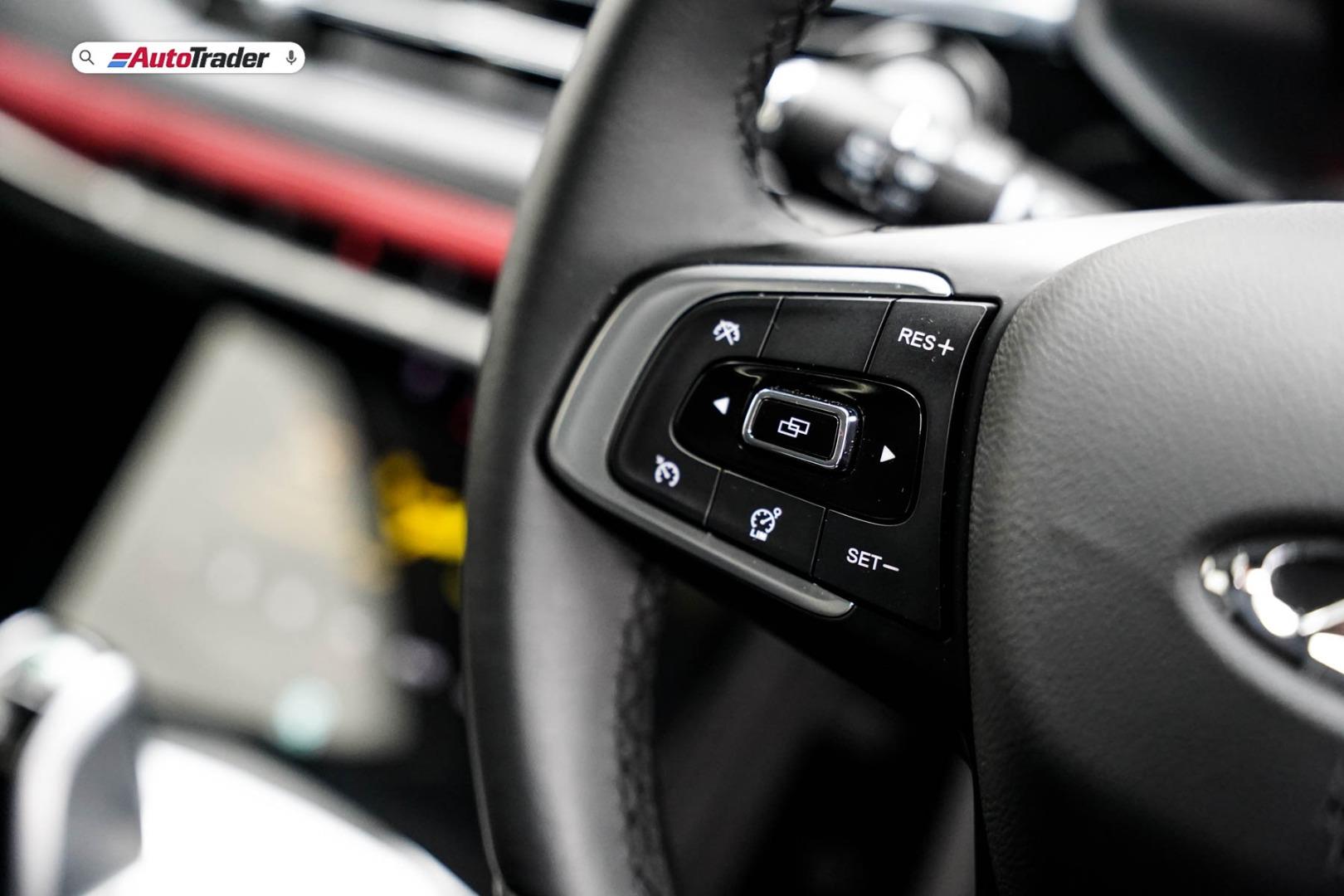
With a single button press, you can employ the voice command system to operate features inside the vehicle. From making calls to performing no-touch functions, the voice command system is incredibly useful.
5 stand out features of the Chery Tiggo 4 DCT
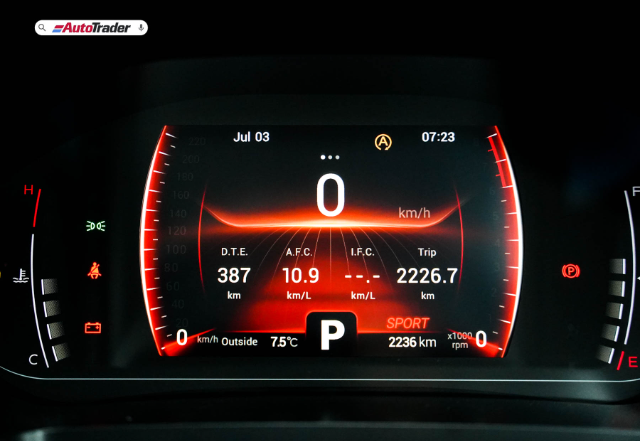
Ambient lighting control
You can set your choice of interior ambient lighting from 6 primary colours within the infotainment screen and can even set it to change as soon as you switch drive modes, e.g., red for Sport mode, green for Eco, and Blue for Normal.
Video playback
Videos can be viewed on the infotainment screen by plugging in a USB stick with video files. However, for safety purposes, the videos can only be viewed when the vehicle is not in motion.
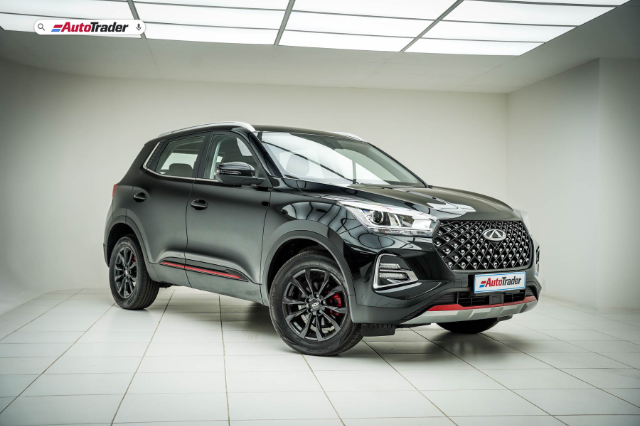
Image playback
Operating on the same functionality as the video playback, loading a USB with the correct media will allow you to scroll through your image library and view them on the infotainment screen.
Electronic user manual
The Tiggo 4 Pro may have a traditional paper manual in the glovebox, but it also has an electronic manual stored in the infotainment screen. It is easy to access and even easier to skip to the desired section electronically with the click of a button.