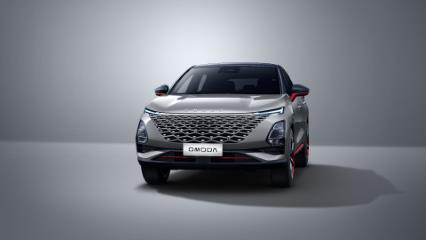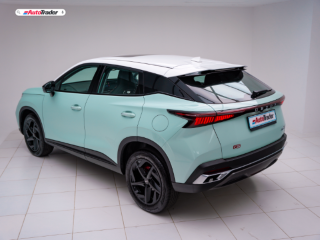
The OMODA C5 originates from the Chery group as a modern and stylish vehicle manufacturer that appeals to the trendy youth. My colleague Chad Lückhoff had the C5 on test, and you can read his thoughts here.
Related: Everything you need to know about the OMODA C5
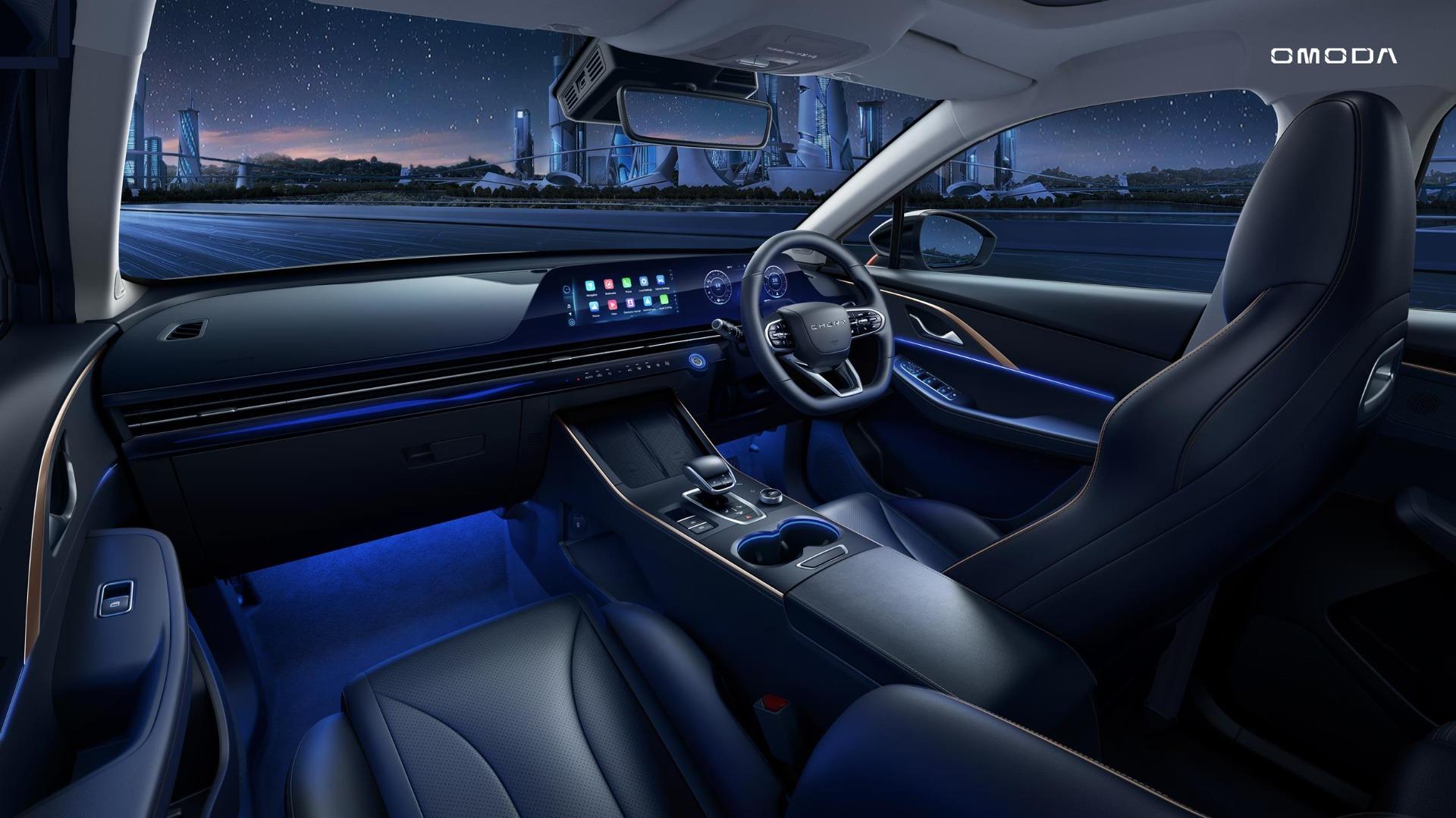
What does 'OMODA' mean exactly? It's a portmanteau of the Latin route 'O' for oxygen and 'MODA', which comes from the word 'Modern'. The OMODA brand focuses on modern and fashionable vehicles that appeal to the youth. Here are the top 3 things you need to know about the OMODA C5. With this in mind, you can expect the C5 to be well-equipped in terms of technology. We have dual high-resolution 10.25-inch displays linked with a 64-colour Ambient Lighting system and a Sony sound system. How does one connect their Android phone to the infotainment, though?

How do I connect my Android phone to my OMODA C5?
You can connect your Android phone via Bluetooth to the C5's infotainment system if you just want basic phone call and music functionality. To do so, in the C5's settings, head to Bluetooth and select the option to pair a new device. Follow the onscreen prompts both on your phone and the C5's infotainment screen, and you'll connect your phone.
If you want to use Android Auto, you can use Android Auto either wirelessly or wired. If you wish to use Android Auto in wired form, ideally, use your phone's original USB cable (USB-A or USB-C will suffice.) or a good quality aftermarket USB Cable. Connect the cable to your phone and the C5, then follow the onscreen prompts both on your phone and the C5's infotainment screen. If you want to use Android Auto wirelessly, first off, you need to follow the above wired process to initialise your phone with the C5's infotainment system. Once complete, you'll be able to use your Android phone with the C5's Android Auto wirelessly.