How do I connect my Iphone to my Haval Jolion S?
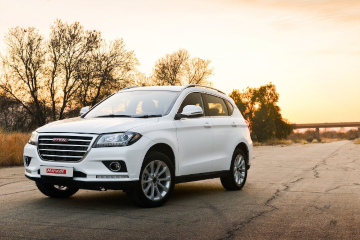
Havals' Jolion S is one of the vehicles at the forefront of the brands model onslaught in South Africa. It is mechanically advantaged and features desirable tech that appeals to younger buyers. For the older crowd who may not be as tech-savvy as their younger counterparts, we run you through the process of connecting your iPhone to your Jolion S


Connecting to your Haval
The Haval Jolion did wonders for the Chinese brands' sales figures, but it was the introduction of the S variant that really got folks interested in the model range. Featuring a sporty engine and transmission as well as futuristic tech, the Jolion S has gone on to court many a prospective buyer.
Related: Haval Jolion S (2023) Quick Review
Connecting your phone has never been easier, and as the Jolion S is not equipped with wireless Apple Car Play as yet, you have two options to connect your phone. This allows you to stay connected through your text messages, phonebook, or even WhatsApp, helping minimise distraction while driving and preventing the need to check your phone.
Get an Instant Offer on your old car here

Via USB cable
- Connect your iPhone to your car via a USB connector cable.
- Unlock your iPhone and allow CarPlay to access your iPhone. It should then appear automatically, but if it doesn’t, press the CarPlay icon on the car’s infotainment system.
Get a free valuation for your car here

Bluetooth
You can still connect your phone via Bluetooth if you wish to forego the CarPlay connection. This will allow for audio streaming as well as hands-free telephony, allowing you to access your phone book and use the voice assistant to make calls.
Here's how you connect the Bluetooth:
- Activate Bluetooth on your phone and ensure the vehicle is stopped and in Park.
- On the Jolion's infotainment screen, press the phone button, followed by 'Add Device'.
- Tap settings and check your phone for new devices found. Select the Haval option.
- The vehicle and device will begin pairing and monitor both screens for the PIN number, ensuring that they match.
- Your device is now connected, and you will be able to select BT Music to access your phone's playlist.