


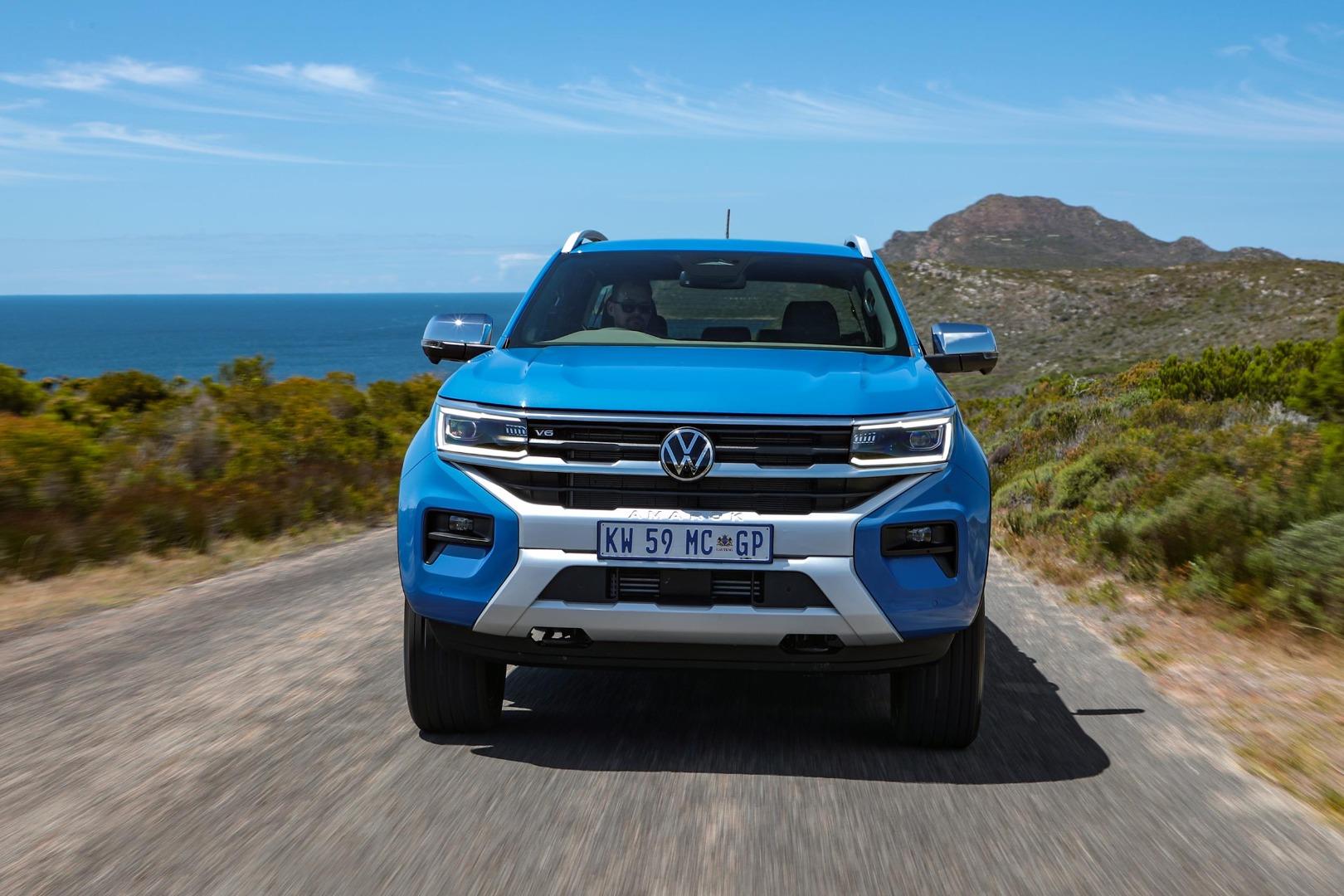
The latest iteration of the Volkswagen Amarok is a well-thought-out bakkie that could be likened to a multi-tool. My colleague Sean Nurse attended the international launch of this vehicle and you can read his thoughts here.
Related: Everything you need to know about the 2023 Volkswagen Amarok
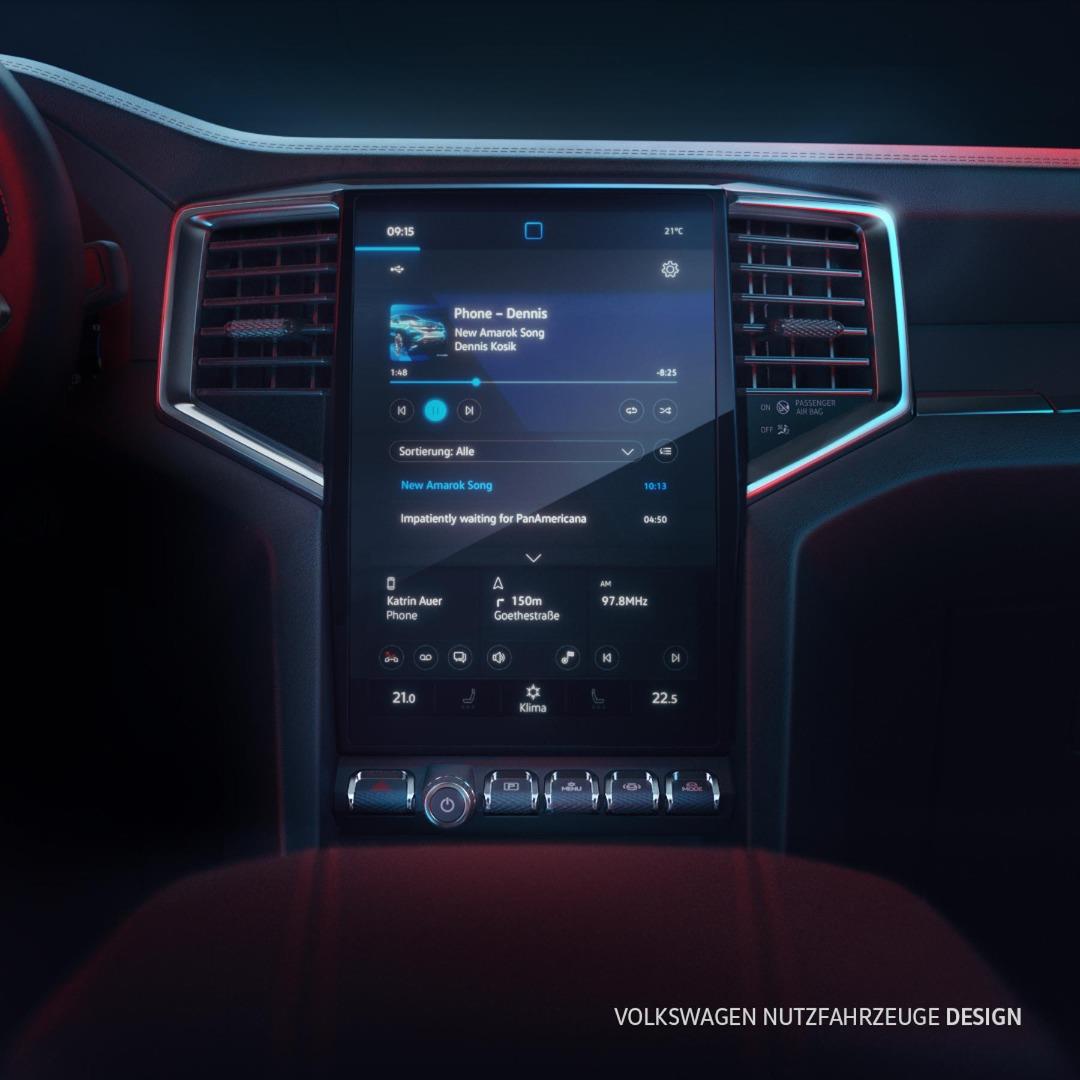
The latest Amarok is filled with technology but there are practical controls too. There are a host of screens but also analogue buttons, rotary dials and toggle-switch style buttons. The infotainment screen on the Amarok even in the base specification is massive at 10.1 inches. If you decide to go for the Style and above variants, you get an even bigger 12-inch touchscreen infotainment system. This also adds to making the Amarok pretty good for a long drive. This is great, but how do you connect your Android phone to the Amarok?
How do I connect my Android Phone to the Volkswagen Amarok?
If you just want to listen to music and answer your phone calls, you can get by by using the infotainment's Bluetooth. To connect, on the Infotainment home screen page, open the settings and navigate to Bluetooth connections then follow the prompts on your device and on the Infotainment screen. If you want to utilise Android Auto however, you need to use your phone's USB cable to connect to the Amarok's USB port and your phone, then follow the prompts on your device and infotainment screen. Wireless Android Auto isn't available for Amarok yet as of the publishing of this article. If you're keen on an Amarok after reading this, you can search AutoTrader for the latest used and new offerings. While you're at it, if you want to sell your current car quick and easy, why not try out our Instant Offer tool?


