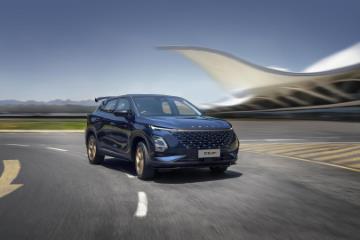
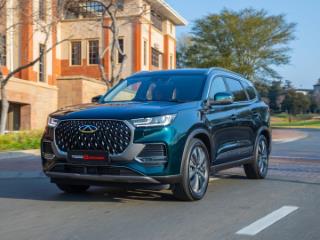
The first thing you think of when you hear of the Suzuki Grand Vitara is a capable offroad and onroad family SUV. My colleague Ané Albertse drove the Grand Vitara at its launch, and you can read her thoughts here. Are you looking for a Grand Vitara, though? You can search AutoTrader for the latest used and new offerings and sell your car, too.
Related: 6 extras you should fit on a new Suzuki Grand Vitara
The Grand Vitara seats itself as a luxury flagship vehicle in the Suzuki range. The cabin has been crafted to have the most comfortable ride, even on the roughest of road surfaces. The plush seats, electric steering and tuned suspension are evidence of this. In GL trim, you have a 7-inch touchscreen infotainment system complete with a reverse camera. In the range-topping GLX models, that touchscreen size increases to 9 inches with a panoramic video display utilising the cameras on the side mirrors, boot lid and front grille. The infotainment system is classy, but how do you connect your iPhone to your Grand Vitara?
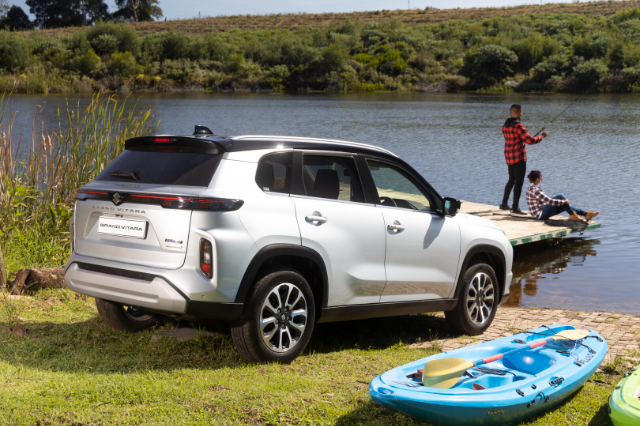
How do you connect your iPhone to the Grand Vitara?
From GL to GLX trim, smartphone connectivity is possible and easy to do, no less. If you want to connect your iPhone for music, phone, and CarPlay functionality, all you need to do is connect Bluetooth. CarPlay in the Grand Vitara is wireless, but you can use your iPhone's cable to charge the device (You can use a wireless charger in the GLX trims).
All you have to do is on the main menu of the infotainment screen; you'll see at the bottom of the screen that there's an option to connect your smartphone. Upon selecting that option, you'll be presented with a list of devices that you can connect to. Make sure the Bluetooth on your iPhone is switched on and is discoverable. Select add device on the infotainment screen, then follow the on-screen prompts. You should be connected up and good to go.