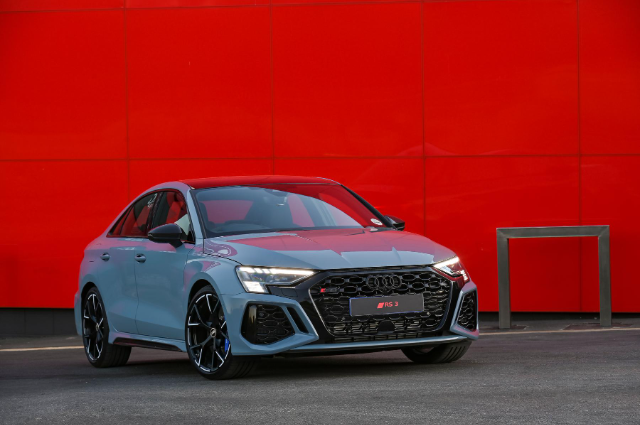
The Audi RS3 sedan with its astounding performance proves that you can still have the practicality that a sedan offers, but have the breakneck speed to go with it. Speed isn't the only thing on the table though, handling and dynamics play their role here too. So much so, a supercar would shiver in the vicinity of the RS3.
Related: Audi RS3 Sedan (2023) Review
Audi knows how to make a 5-cylinder turbo engine and the tradition is continued here with a 2.5-litre turbocharged petrol mill unleashing 294 kW of power and 500 Nm of torque. This is all sent to all four wheels using Audi's quattro 4-wheel drive system with solid chassis dynamics to harness all of that power. Pair all of that with a jet fighter style, driver-focused interior and you're in for a ride. While you're getting ready for that ride, say you have an Android phone that you want to connect to your RS3 Sedan's infotainment system, how do you do it?
How to connect your Android phone to your Audi RS3 Sedan
The standard equipment infotainment system in the Audi RS3 Sedan includes Audi's Smartphone Interface. This works for both Android and iOS devices and they are connected via a USB cable. Once connected via USB, on the Audi MMI infotainment screen, then you'll have access to music, telephone and navigation functionality. You'll also see an icon for either Android Auto or Apple CarPlay and you can access selected third-party apps.
If you just want the telephone and music playing through the car's speakers then a Bluetooth connection will suffice.
However, with the optional MMI Navigation with MMI Touch and Audi Connect Navigation and Infotainment Plus systems, you can connect your Android Device wirelessly, along with iOS devices. These systems at the time of publishing cost R39300 and R5500 respectively.
Keen on an Audi RS3? Search AutoTrader for official used and new offerings