


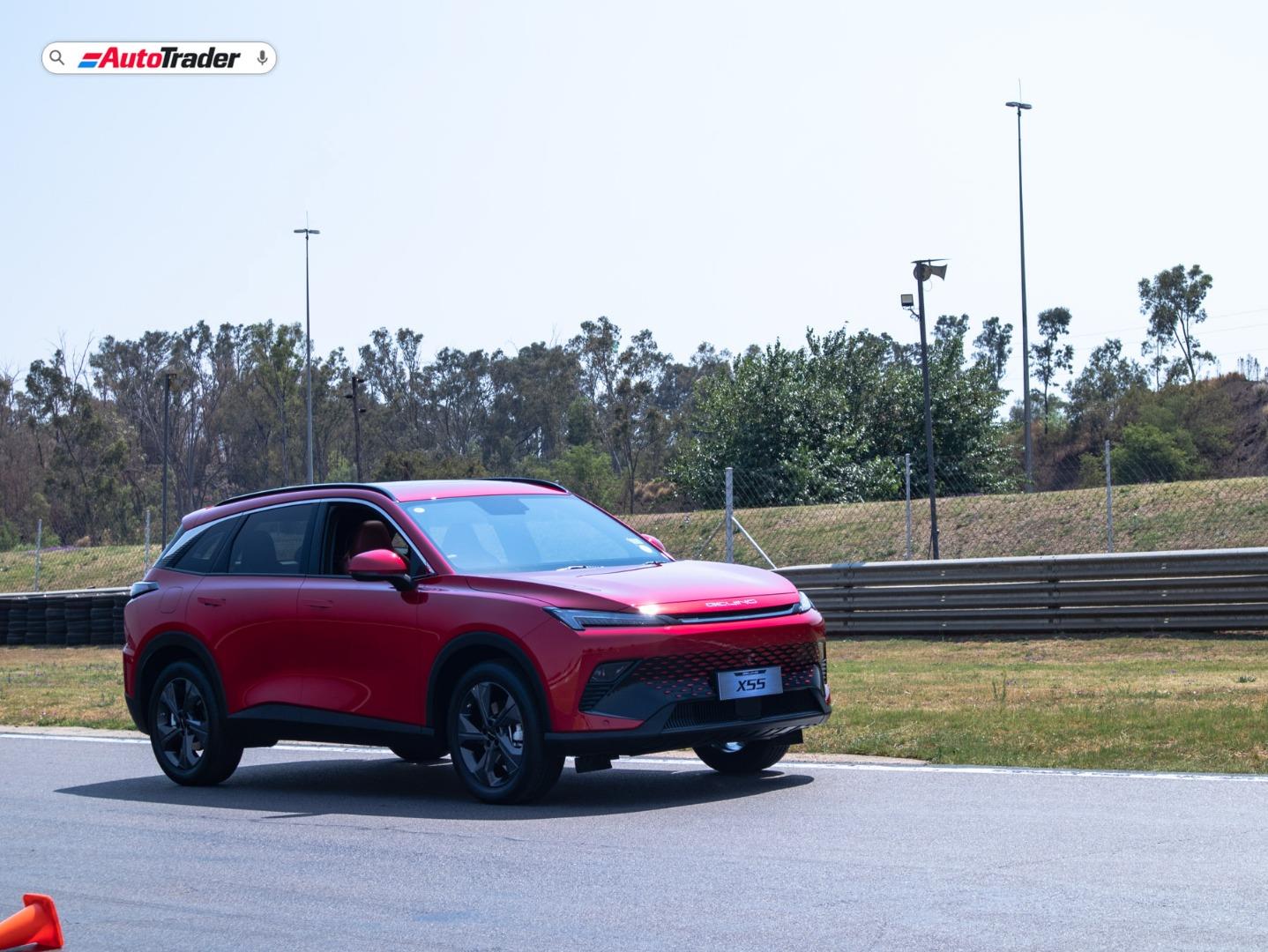

The Beijing X55 is the latest crossover released by Chinese manufacturer BAIC, and it appears to be excelling within the local marketplace. The manufacturer seeks to produce 'intelligent' vehicles by way of innovation, design and technology with the support of Daimler. This is done by Daimler sharing technology with BAIC from their Mercedes-Benz factory in Beijing. There is more backstory of this vehicle in our pre-launch sample article and the launch article for the Beijing X55 as linked.
Related: Everything you need to know about the BAIC Beijing X55
You can see that BAIC really flexed their muscles when it made this vehicle, especially considering how competitive the compact SUV market is. The design of the X55 is quite remarkable with its sporty yet almost concept car looks to it. Inside the X55, it's pretty much the same affair with a couple of screens for the infotainment centre as well the instrument cluster.

How do you connect your smartphone to the Beijing X55?
If you have an Android device, you can connect your smartphone to the X55 via USB, ideally using the device's original cable. To utilise Android Auto functionality, you'll have to download a third-party application, namely 'CarbitLink', to connect your Android device.
If you have an Apple device, it's much the same as connecting an Android device meaning you'll use a USB connection and download 'CarbitLink' to use CarPlay functionality. However, when using CarPlay, unfortunately, Waze and Google Maps do display on the X55's infotainment screen but don't allow for touchscreen functionality. To operate Waze and Google Maps, you must use your Apple device to operate those applications.
Keen on a BAIC X55? Search AutoTrader for official used and new listings.
Want to sell your current car instantly? Try out our obligation-free Instant Offer Tool.


